Full screen
Its own window, edge to edge. It remembers its size and place.


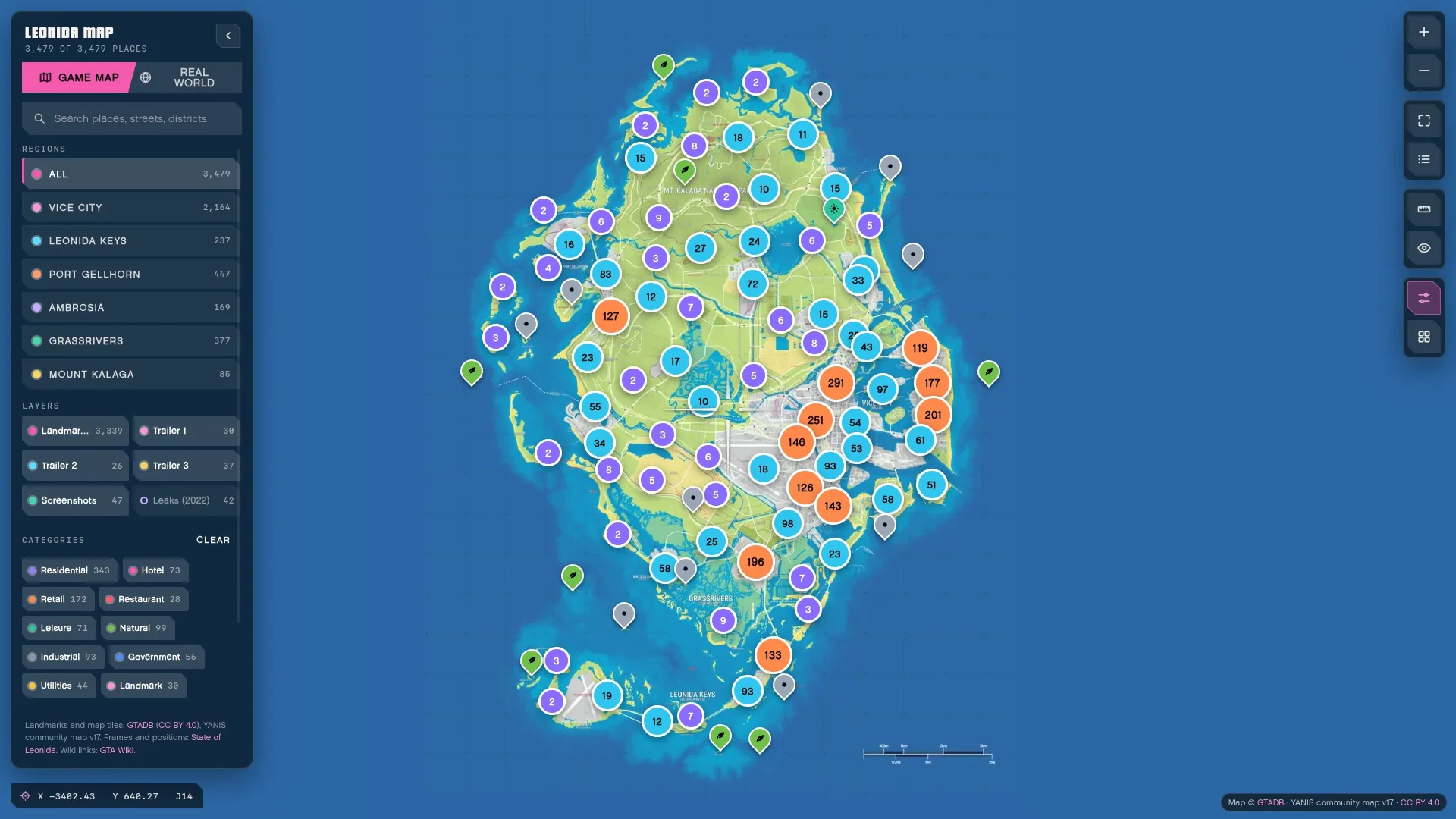
The Leonida app
The live site in its own window. Same account, same data.
02Inside

03Why the app
Its own window, edge to edge. It remembers its size and place.
Your Leonida alerts as system notifications while it is open.
It is the live site: one sign-in, the same data.
It opens on a GTA V-style loading screen.
Your unread count on the Dock icon, on macOS.
Links to other sites open in your own browser.
04Downloads
macOS 11 or later. Apple silicon and Intel.
72794007…3e8d9434Windows 10 or later, 64-bit.
144f7306…08421f1fA 64-bit desktop Linux with WebKitGTK 4.1.
46d5d9a9…e094187bc4141539…969c15b2iOS 16 or later. Installed with a sideloading tool.
6d8faf1a…1e6bcdc105Install
Open the DMG and drag Leonida onto Applications.
The first open may stop with one of these:
“Leonida” can’t be opened because Apple cannot check it for malicious software.or
“Leonida” is damaged and can’t be opened.
The build is not notarized yet: there is no Apple Developer ID behind it. Nothing is wrong with the file.
On any macOS, open Terminal and run this, then open Leonida as usual:
xattr -dr com.apple.quarantine /Applications/Leonida.appmacOS 15 Sequoia and later
Try to open Leonida and close the dialog. Open System Settings, Privacy & Security, scroll to “Leonida was blocked”, press Open Anyway and confirm with your password.
macOS 14 and earlier
Control-click Leonida in Applications, choose Open, then Open again.
Optional Compare the result with the SHA-256 on this page:
shasum -a 256 ~/Downloads/Leonida_0.1.0_universal.dmg06Questions
It opens therealleonida.com, the site you are on now, in its own window, and adds system notifications, the Dock badge and links that open in your browser. Download it only from this page and check its SHA-256.
Signing needs an Apple Developer ID and a Windows code-signing certificate, and we do not have them yet. So macOS and Windows warn you the first time; the install guide shows how to open it anyway.
Yes. It is the live site in its own window: the same account, the same pages, the same data. What you do in one shows in the other.
Not inside the app yet. Wallet extensions such as Phantom do not run in it, so use your browser for anything that needs your wallet.
Download the newer build from this page and install it over the old one. The app does not update itself; it tells you when a newer build is out.
sudo apt remove leonida for the .deb.